Visuals that hit the beat, wear your colours and light your LEDs.
Glow is a live visual engine for light shows. It plays thousands of MilkDrop visuals in time with the music, pulls them toward your palette, and drives your LED strips directly.
Locked to the music.
Every switch, crossfade and pulse lands on the beat. Glow plays in time with Ableton Live, your DJ software and every other app that speaks Ableton Link.
Any preset, your palette.
Pull every visual toward the colours of the night: fire, ice, the club’s or the client’s brand colours. Change palettes live and Glow follows, instantly.
Pixels out over Art-Net.
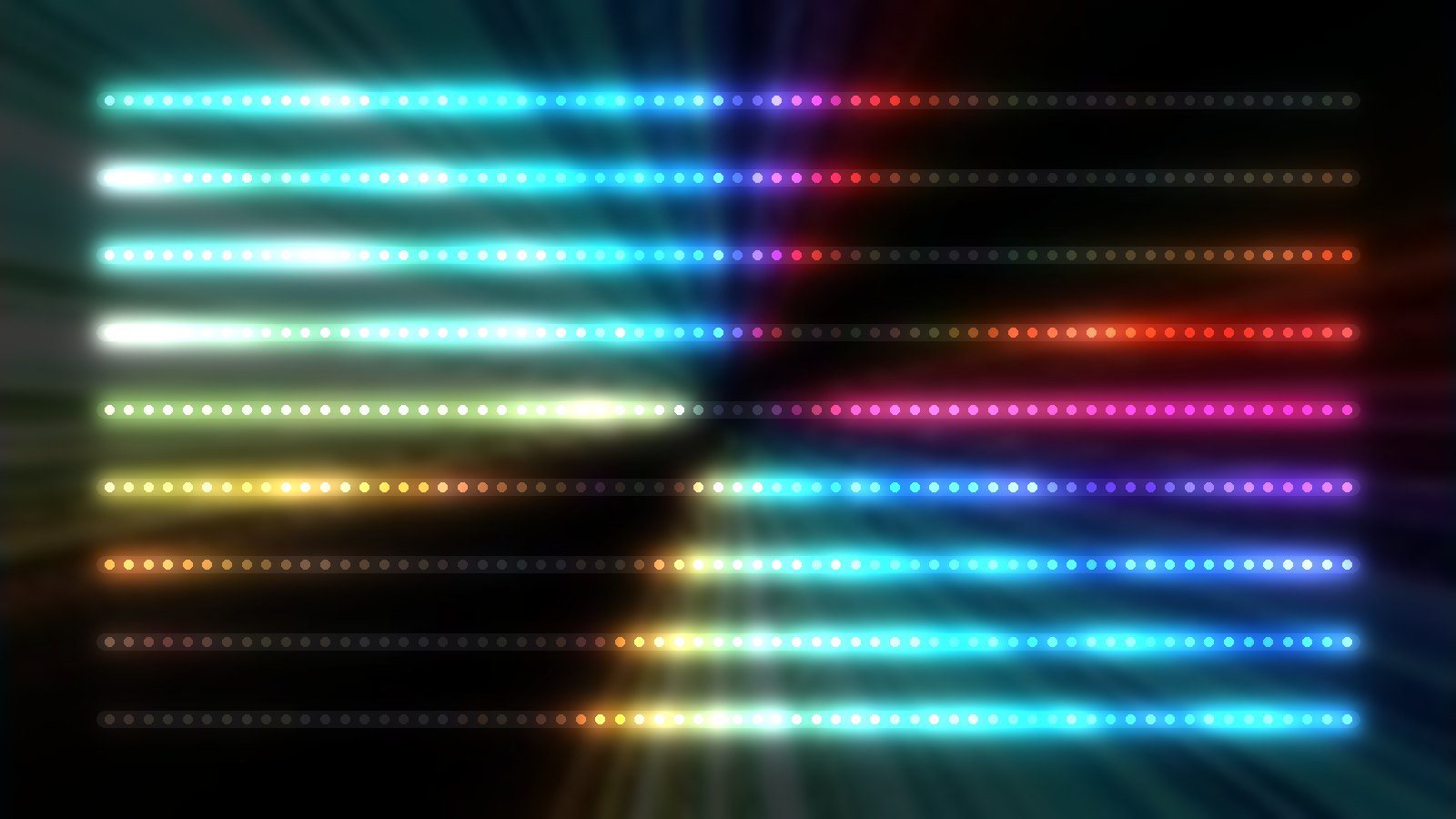
Draw your strips and bars over the picture and Glow lights them directly over Art-Net or sACN. No extra mapping software in between.
Windows · Coming soon
Thousands of visuals, ready to play.
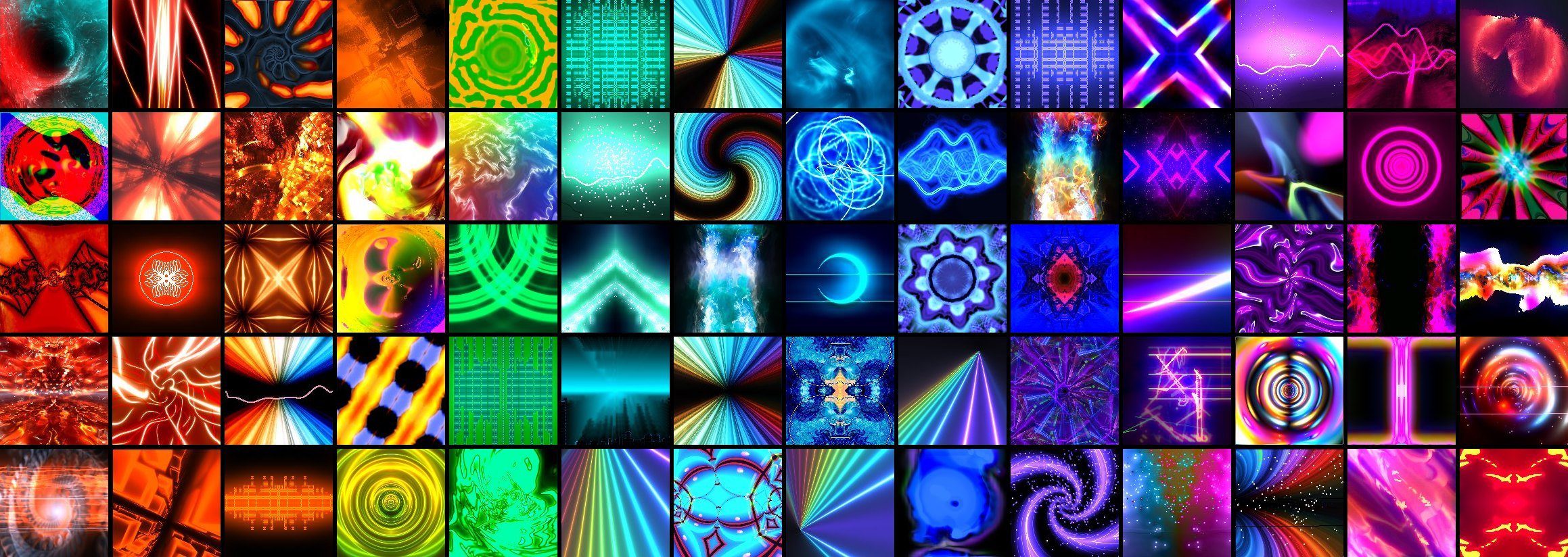
Glow plays MilkDrop presets: the huge library of music visuals the community has built over two decades. Point Glow at your folders and it does the rest.
It sorts your presets, shows each one as a moving thumbnail, and knows which react to the sound. Pin your favourites, build a set per show, and let Glow move through them on the beat.
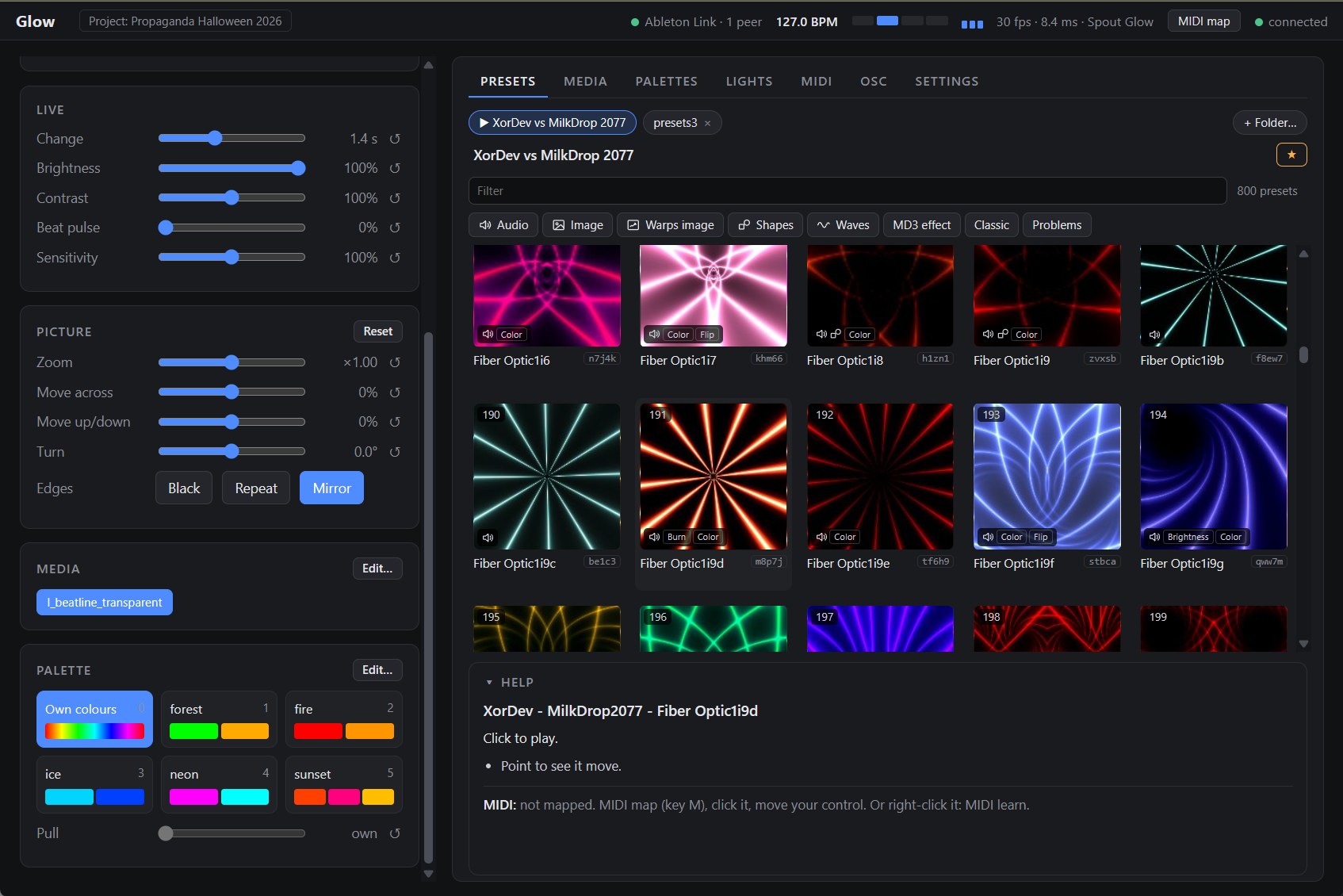
Every change lands on the beat.
Visuals that drift past the music look like a screensaver. Glow knows where the beat and the bar are, from Ableton Link, and makes everything happen on them.
- Switch on the beat: Next, Previous and every preset or palette change can wait for the next beat or the next bar, or happen now.
- Change in bars, not seconds: Auto mode moves on every beat, every bar, or every 2 to 64 bars, landing right on the line.
- Beat pulse: The picture breathes with the music: full brightness on each beat, easing down before the next.
- Latency control: Glow runs a few milliseconds ahead, so the beat lands on the LEDs, not on the screen.
- Shared tempo: Change the BPM in Glow and every app in the session follows. With nothing to sync to, Glow keeps its own clock.
One preset. Every palette.
Most visuals come in whatever colours their author liked. Your show has its own. Glow pulls each preset toward your palette while keeping its light, shade and movement, so a thousand presets look like they were made for tonight.
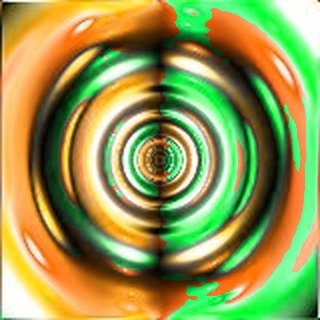
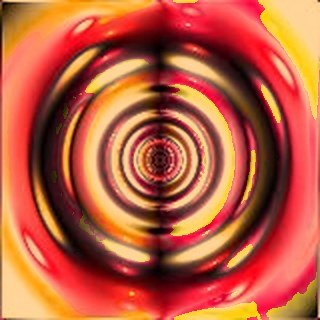
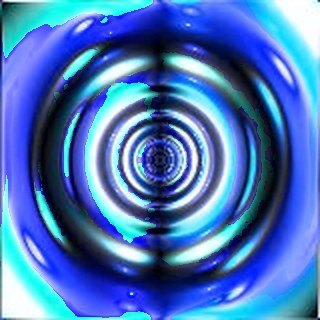
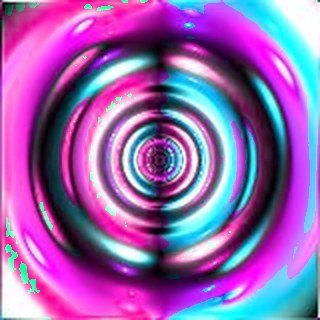
- Pull: From a gentle hint to fully in your colours.
- Spread: How much variation each theme colour keeps, so a pulled preset still has depth.
- Neutral stays neutral: Whites and greys stay clean unless you ask for a tint.
- Smooth changes: Palettes cross over in the time you choose, from a cut to a slow drift.
- Brightness and contrast for the whole show: Set once, applied to every preset.
Save as many palettes as you like and call them up from the page, a MIDI pad or an OSC cue. The change happens in the preset’s own shader, so it costs nothing extra and switches instantly.
Brand colours for a corporate night, one colour per act at a festival, or a slow drift through the evening: set it once, and every preset follows.
From picture to pixels, directly.
Glow lays your LED strips and bars over the picture and sends each pixel its colour, over Art-Net or sACN. If your show is LEDs, you need nothing else.
- Draw your rig: Lay strips and bars over the picture, move, scale and turn them, copy and paste whole groups.
- Art-Net or sACN: To every controller on the network or to one IP address, with sync so every universe updates together.
- Any patch: Universe and address per strip, RGB, GRB or RGBW, either direction.
- Made for LEDs: Each pixel takes the average of the area around it, so busy visuals don’t turn into flicker.
- Check before the show: Identify a strip, walk a pixel along it, or test red, green, blue and white.
- Level and gamma: Tune the output to your LEDs, up to 44 frames a second.
Already mapping in MadMapper? Glow sends its picture over Spout too.
Play it like an instrument.
MIDI, the way you play.
Learn any control in Glow to a knob, fader, button or pad. Program Change can call up presets directly.
Built to work with MIMa, so your controller’s lights show what Glow is doing.
OSC for scripted shows.
Cue a preset, a palette and a crossfade in one message, from MadMapper or a show timeline.
OSCQuery announces every control, so compatible software finds them without manual setup.
Control from any browser.
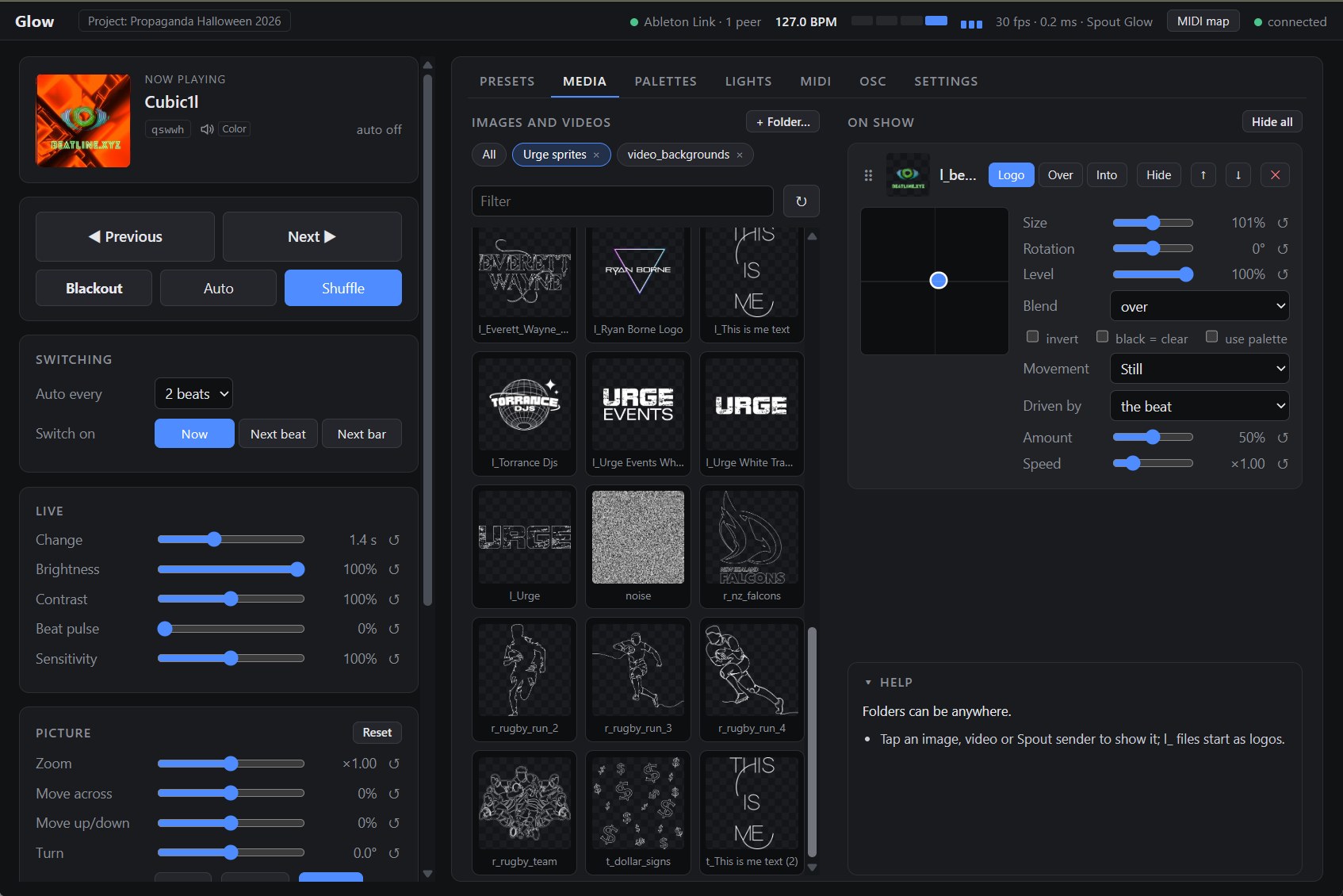
Glow’s control page opens in a browser on your laptop, tablet or phone on the same network.
Glow itself sits quietly in the system tray.
Your logo. Your media. Your outputs.
Glow is built for real gigs, where the venue’s logo has to be readable, the projector is never quite square and the picture has to reach three other programs.
- Logos always on top: Your logo stays upright and readable, whatever the preset does underneath.
- Into the visual or over it: Images and videos can be carried by the preset’s motion, or sit on top of it.
- Spout in and out: Send Glow to MadMapper, Resolume or OBS, and bring other apps’ video into Glow.
- Projector ready: Fullscreen on a second display with a four-corner pin for a projector that can’t sit square.
- Any size: Square, landscape or portrait output, up to 4K.
Pure light that dances with you and the music.
Glow is in its final stretch before release. Tell us about your show, your LEDs and the software you use, and we’ll let you know when it’s ready.
GLOW
Beatline · Auckland, New Zealand
Ableton and Ableton Link are trademarks of Ableton AG. Glow is not made, endorsed or supported by Ableton AG.